More Than Preference Cards: Inside the Incision Assist Implementation Process
Most surgical teams already have preference cards in place, some structured in the EHR, others managed through local documents or shared drives. Often, they’re doing the job well enough to keep cases moving.
Still, during onboarding, shift coverage, or procedural changes, teams can find themselves hunting for answers or relying on memory. What if that same information could be easier to access, easier to update, and more useful across roles? What if it included visual OR setups, surgeon-specific tips, and supporting materials to help team members feel confident faster?
That’s where Incision Assist comes in: a digital platform designed to centralize, structure, and enrich procedural information, so perioperative teams always have what they need, when they need it.
In this blog, we focus on one key part of the process: how we enter preference card data into the platform, and how we enrich it to make it even more practical, accessible, and valuable in daily practice.
A Structured Process That Starts With Collaboration
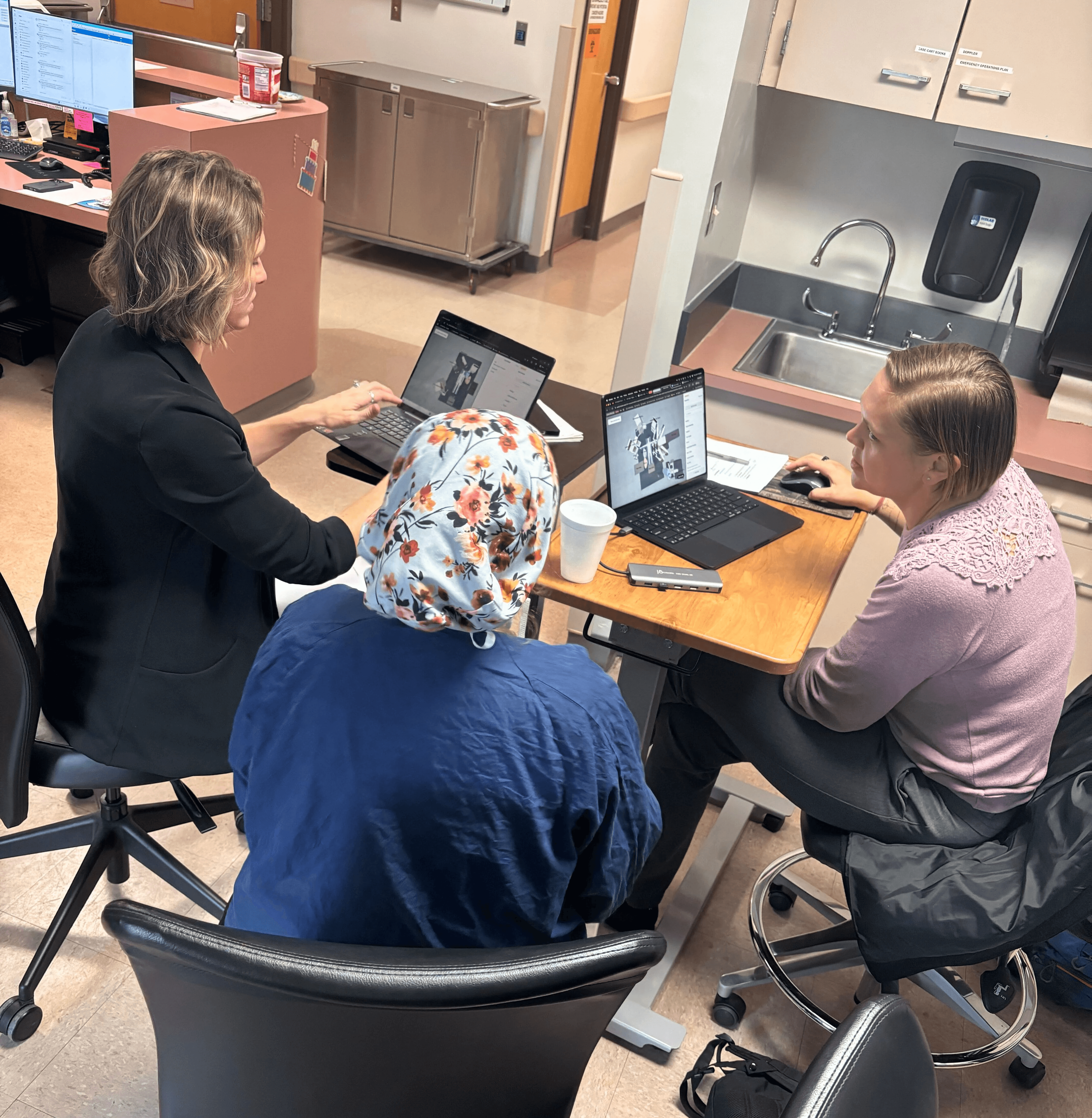
A Customer Success Manager and a Customer Implementation Manager will guide the team through the implementation process. Together, they work with leadership, technical teams, and team leaders to make sure everyone involved knows how the platform will be used and supported moving forward.
Our Customer Implementation Managers all have experience working in the OR, and bring that clinical understanding into every step of the process. They know the language, the pace, and the context in which this information is used, and they’re focused on making sure the platform reflects the real needs of the team.
The Customer Implementation Managers begin by meeting with clinical leads, super users, or IT to gather preference card information and understand how it’s used today.
We upload the materials list into Incision Assist, based on the contents of the preference cards. This typically includes what’s listed as the pick list or supplies list, along with any notes or comments staff have kept elsewhere, whether on paper, in shared drives, or even from memory.
“We always adapt to the way each team works,” said Cara Rich, Customer Implementation Team Lead at Incision. “We’re used to working with a mix of formats, and part of our job is helping teams organize and improve what’s already there.”
Entering and Structuring the Data
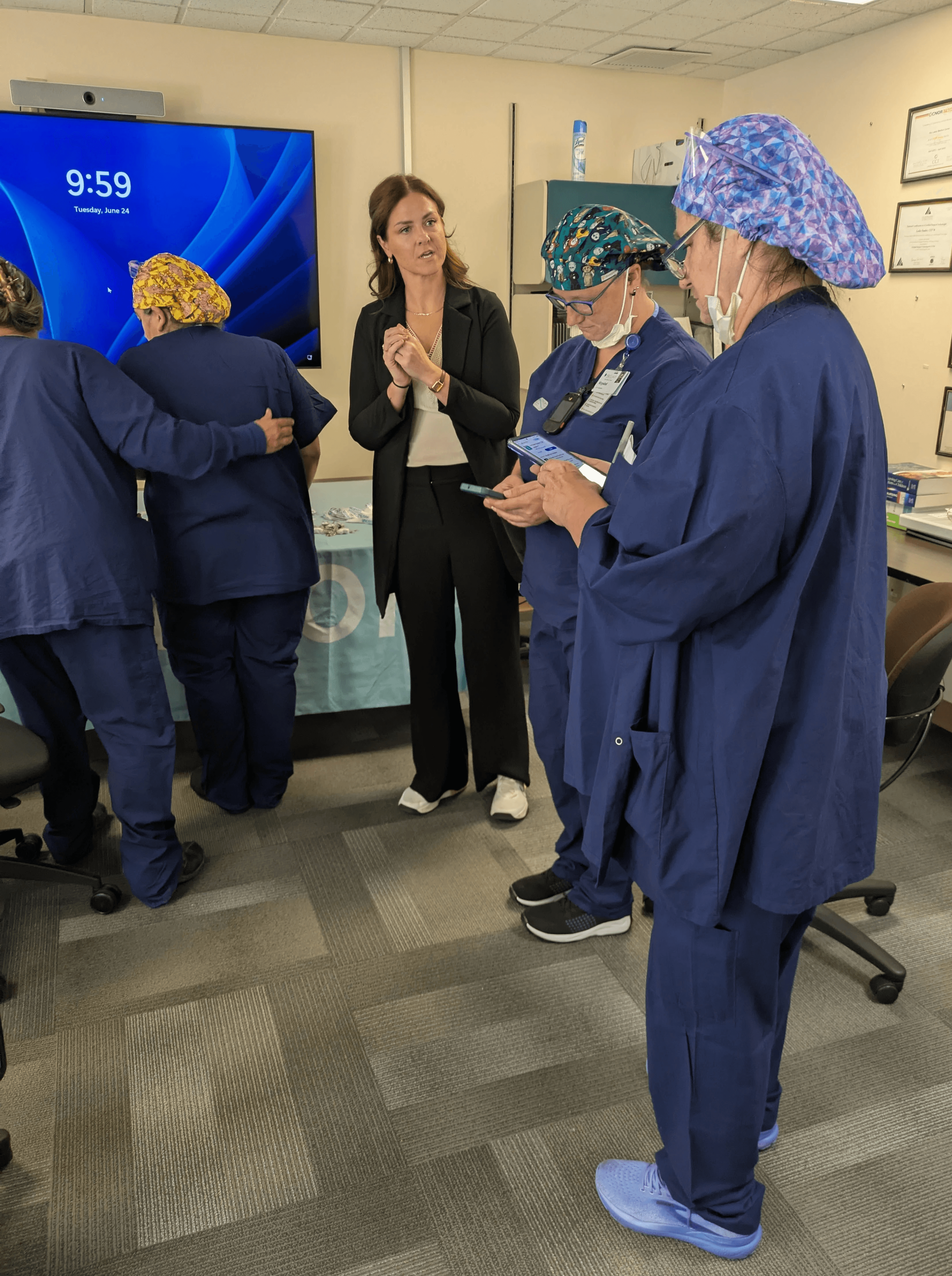
Once we’ve gathered all the information, we upload it into the Incision Assist Manager, our backend environment for organizing procedural content. Over the years, we’ve refined this process to make it both fast and accurate, using a mix of bulk upload tools, AI-supported review, and manual checks.
Each procedure, surgeon, and item variation is clearly labeled, and the content is structured in a consistent format, so teams can easily find what they need, regardless of specialty or case. We also help ensure the information reflects what’s actually happening in the OR, not just what’s written down, eliminating confusion and supporting quick access to case-critical details.
“This stage often gives teams a clearer picture of how their existing information is organized,” said Kristen Yeckley, Customer Implementation Manager at Incision. “It’s about bringing structure and consistency, so staff can access the right details, fast, when it matters most.”
From Information to Insight: Enriching the Cards
Digitizing and entering preference cards into Incision Assist is important, but it’s only part of the value. Once the preference card content is in, we enrich it to make it more useful for staff in and around the OR.
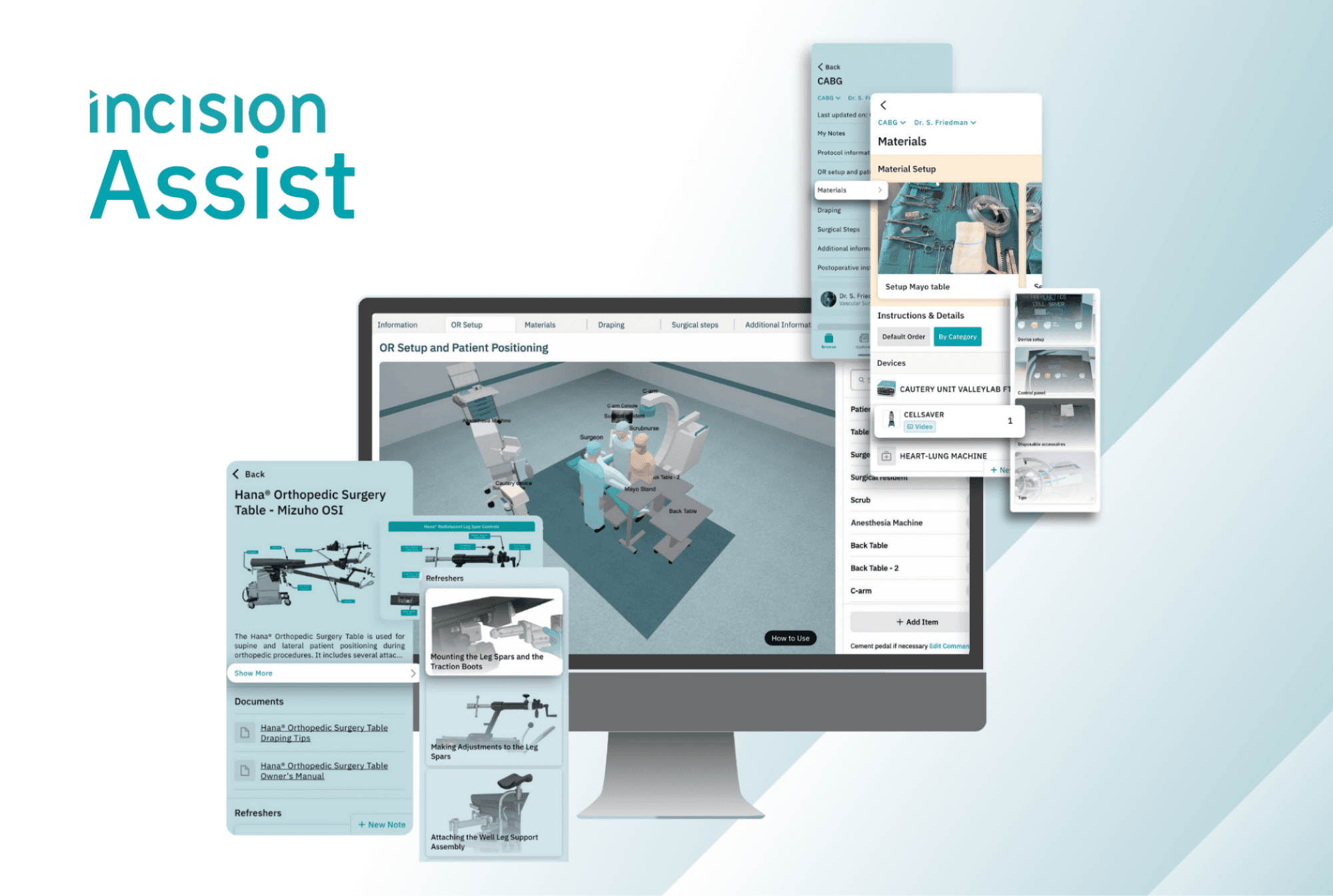
We work directly with team leads or OR managers to create custom 3D OR setup visuals based on the actual room layout of the hospital or ASC. Their input helps ensure the visuals are accurate and relevant for the team. We also enter surgeon-specific notes and comments, so it’s clear what matters most in a given case. Photos, PDFs, or videos can be added to show trays, instruments, or specific device setups, and supporting documents like checklists or instructions are linked so they’re easy to access at the point of need.
This gives teams not just the “what,” but also the “how” and the “why.”
“One nurse told us this was the first time she could actually see how the room was supposed to be set up,” said Rebecca Brown, Customer Implementation Manager at Incision. “That kind of visual clarity really helps when things are moving fast.”
Supporting Teams Beyond Go‑Live
Alongside building the content, we support clinical champions and super users in learning how to manage Assist themselves. That includes training on how to update preference cards, enter new procedures, upload new visuals, and make changes as procedures evolve.
By go-live, the platform reflects the team's real needs, and they’re ready to use and update it moving forward.
Why This Makes a Difference
At its core, this is about more than preference cards. When enriched with visuals, notes, and resources, procedural content becomes a shared knowledge base, one that helps reduce searching, support consistency, and bring clarity to the surgical workflow.
And because the implementation is collaborative, teams are never left to figure things out alone. They’re supported from start to finish—and equipped to keep the platform valuable as their work evolves.
Want to know more about how we handle preference cards during implementation, or how we can support your team? Feel free to reach out to Cara Rich via cara.r@incision.care or visit www.incision.care/products-assist to learn more.